Mediator
For Me, By Me
The Best TV Remote App That Ever Existed
(You can use it, too!)

When guys in corporate suits annoy you, you find the solution by yourself.
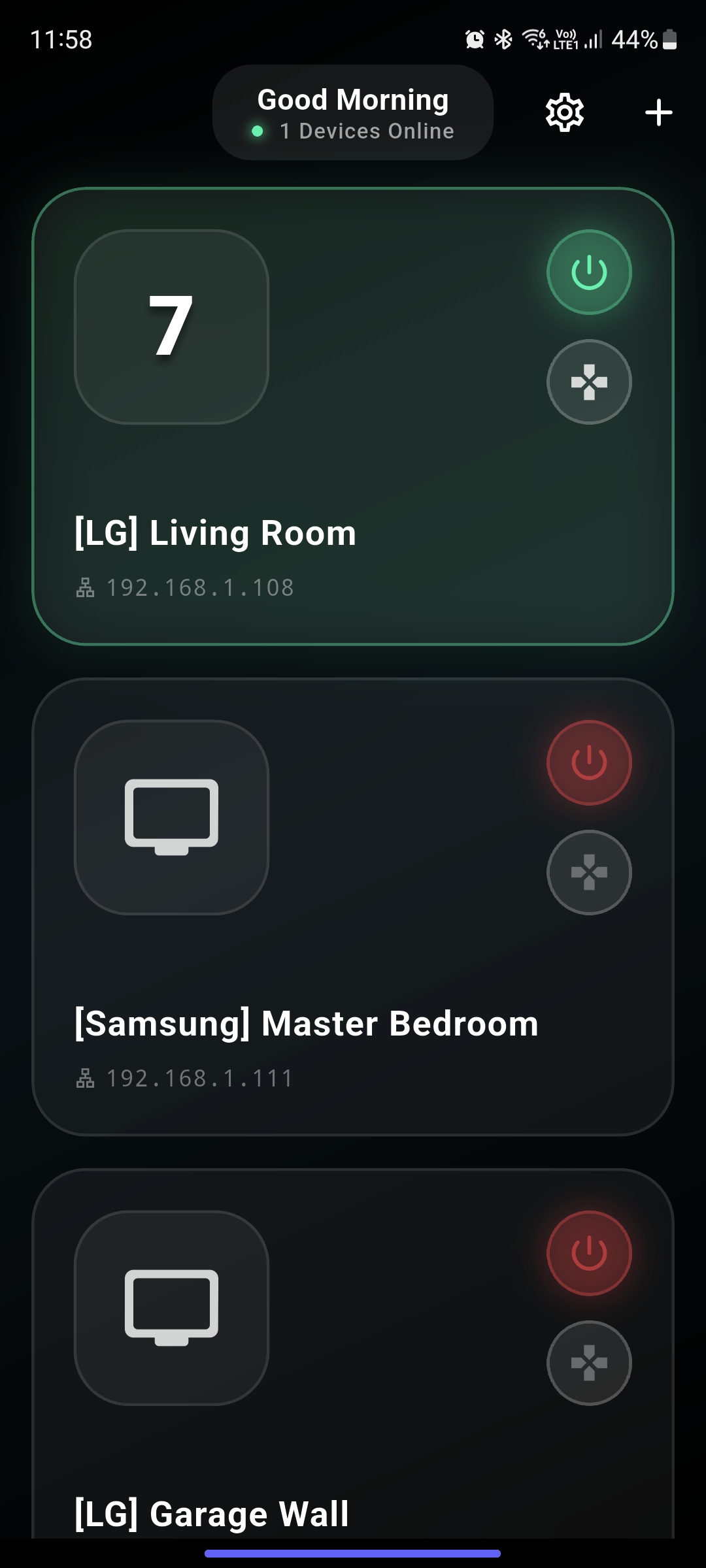
Simply Controls TV
Freedom for my own TV. I can control TV however I want.
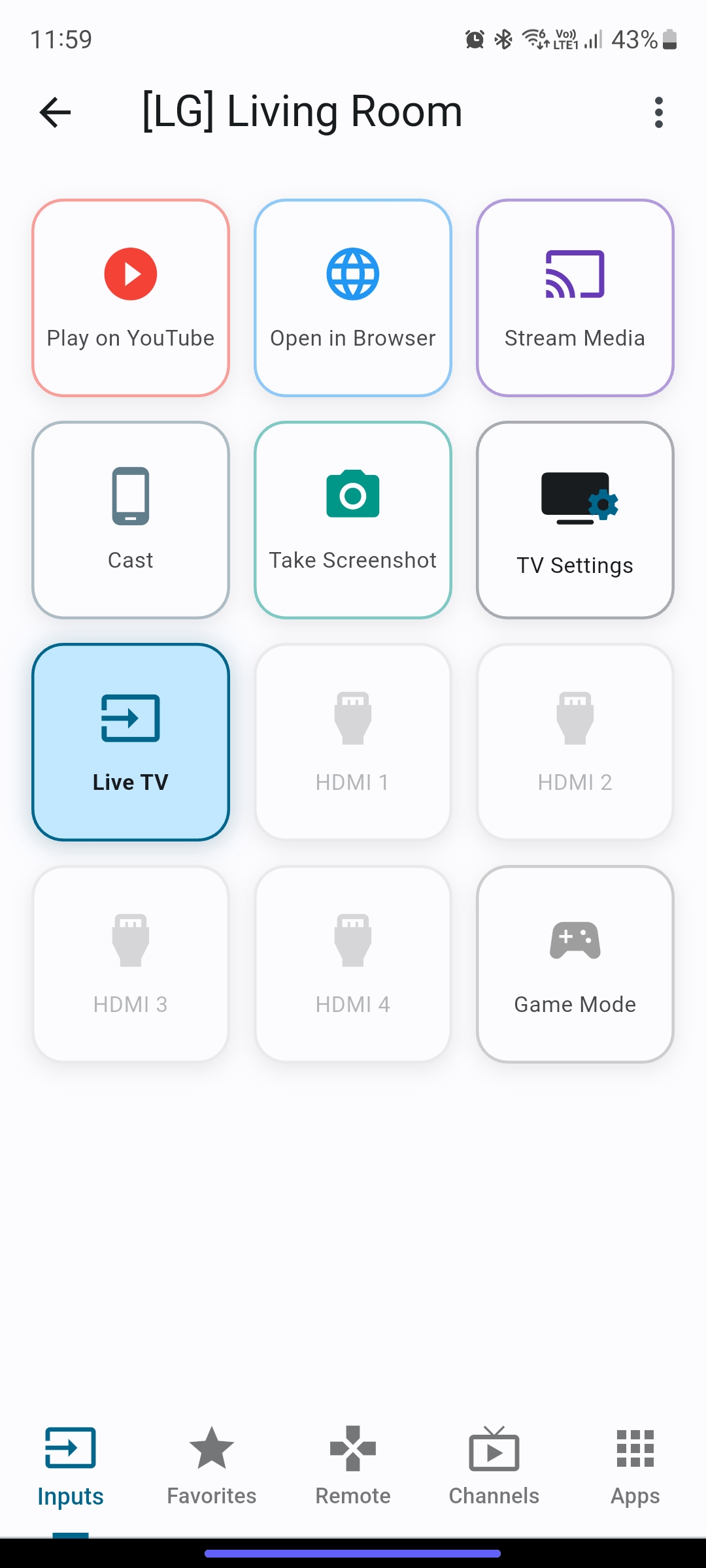
Quickly switch between inputs, and launch Actions via shortcuts. More to come.
TV Settings
Change Picture Mode, Sound Mode, and more with a single tap.
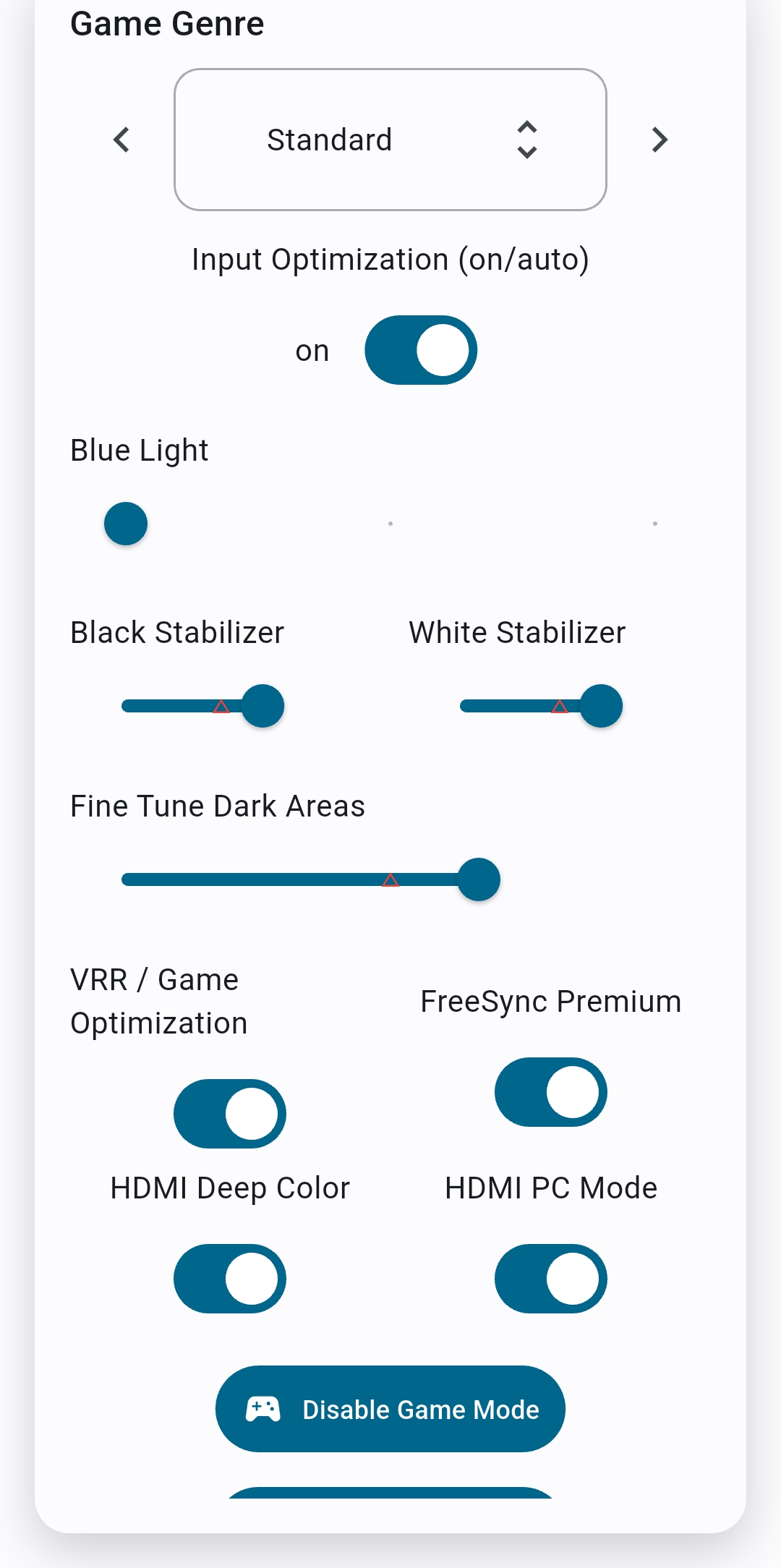
Game Mode
Access gaming related options for active HDMI port with a single tap.
Adjust every aspect of your TV experience with our intuitive settings menu.
Customized View
 TV
Settings
TV
Settings
Fine-tune picture, sound, and energy settings with a single tap from your phone.
Choose your game genre, black/white stabilizer, Boost Input optimization, and more.
Paste your URL into shortcuts to open/play them with a single tap.
Share Actions
Check out Share Actions in your browser and Youtube for even faster access.
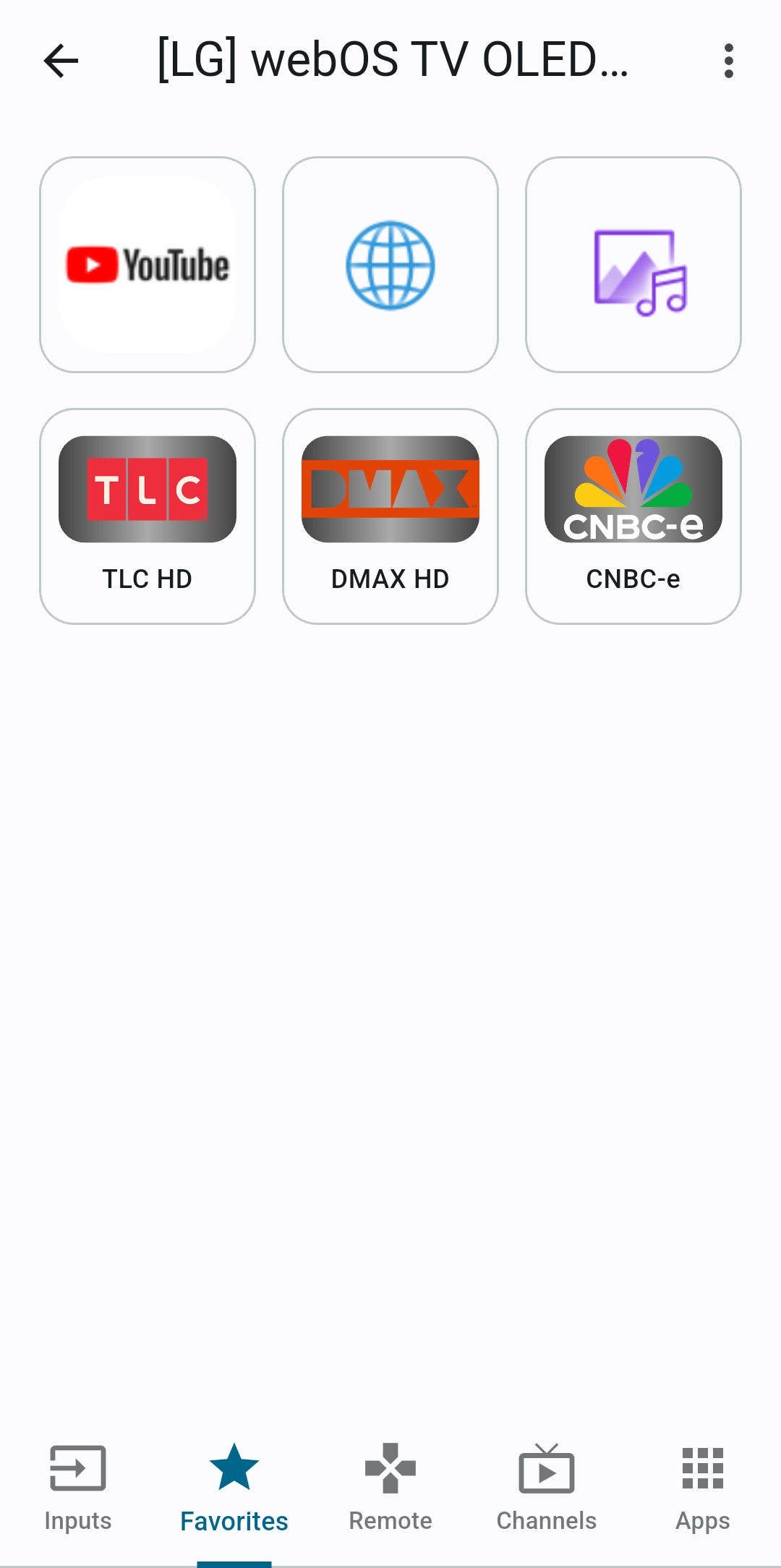
Switch quickly between your favourite apps and channels.
10X Faster Than Magic
I dare you to beat it.
Control your TV as I imagined it and you desired it.
Total Control
No more worries of making a mess on your remote. Did I say 10X faster?
Easy Switching
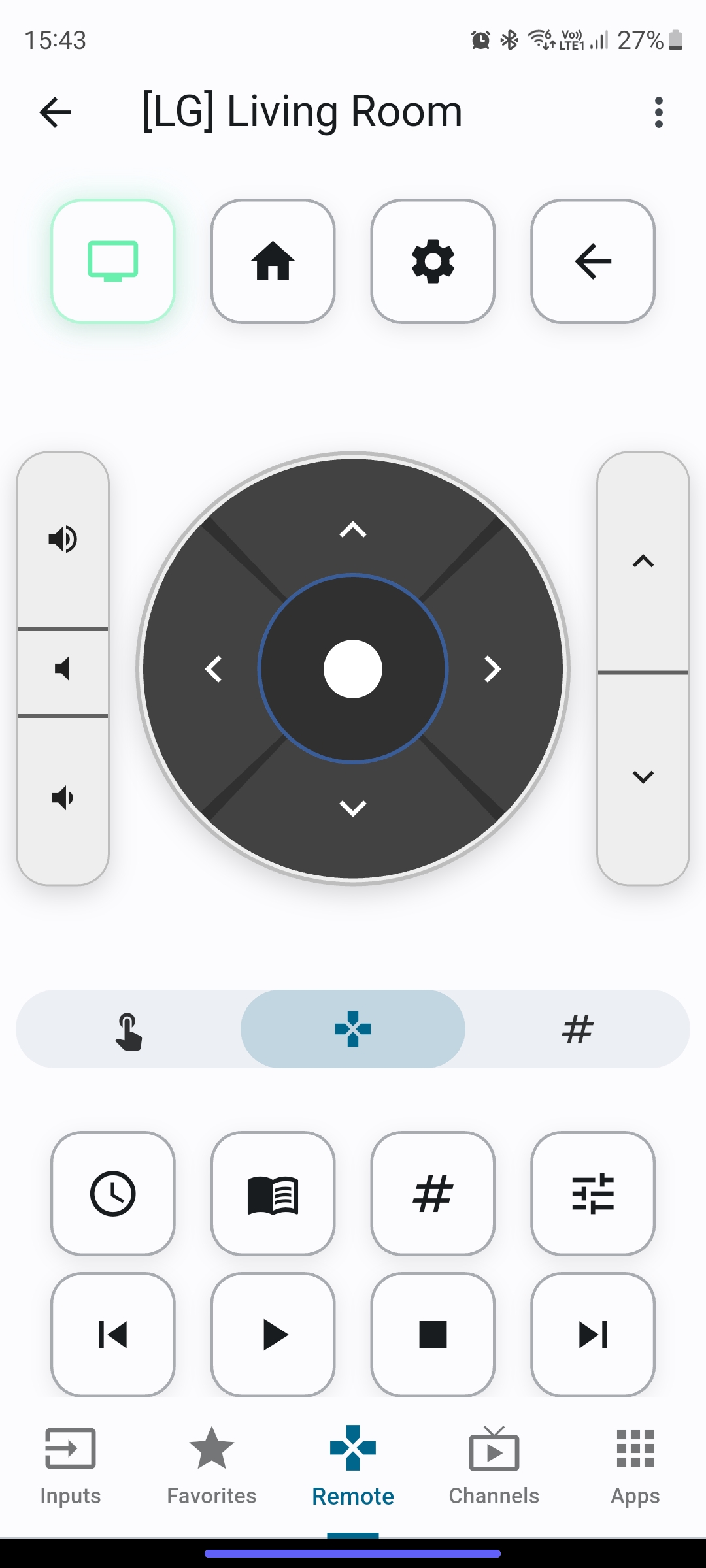
Switch between Touchpad and D-pad on double tap.
Unlock powerful utilities that expand the capabilities of your WebOS television.
Easy Switching
Switch between D-pad to Numpad by double tapping OK button.
Set Timer
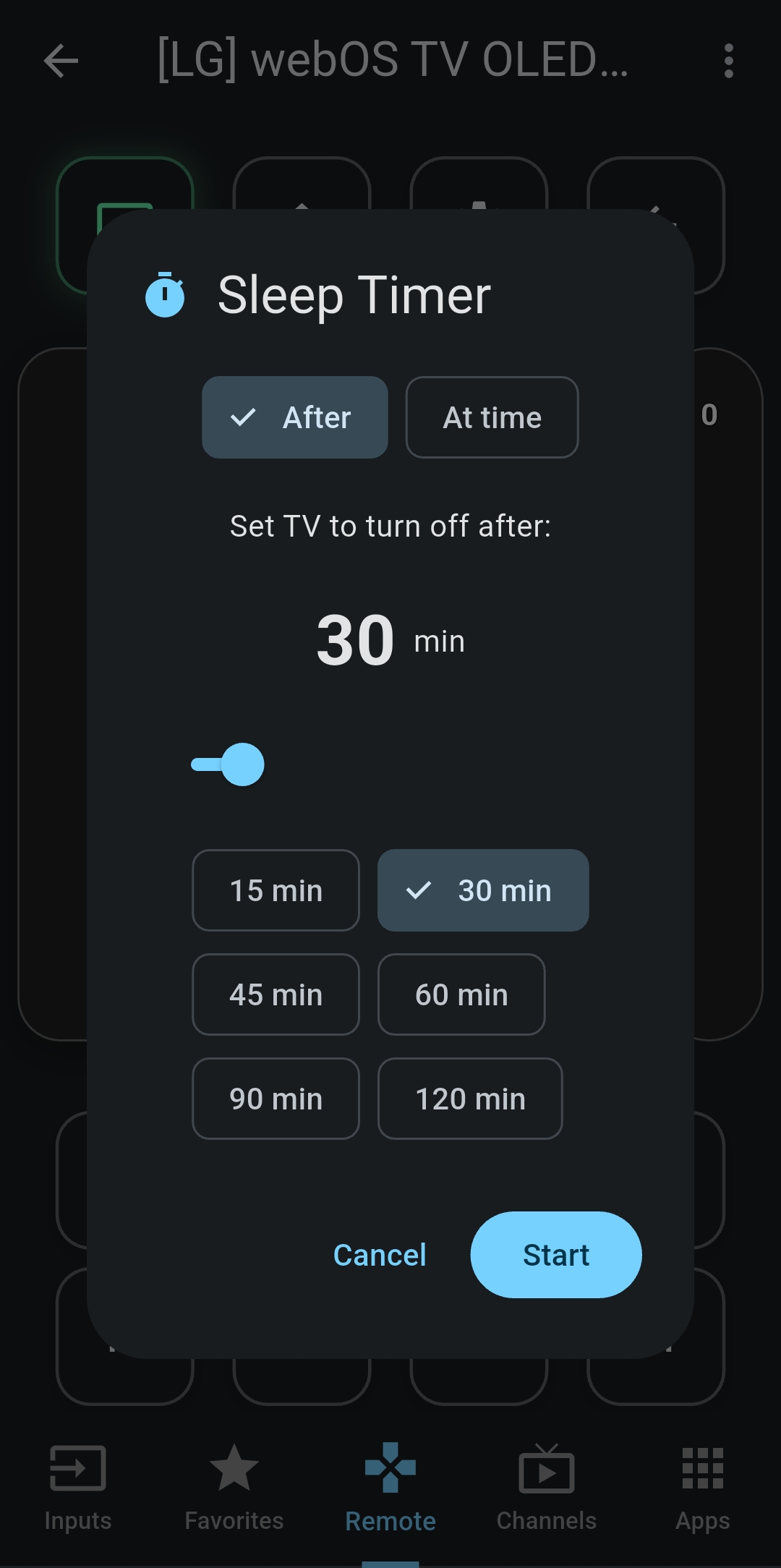
Set timer to turn off your TV. Press once for TV menu and Double Press for In-App control
Set one time or repeating timer to turn off your TV.
Try out each of them. I like "Screen-Off" for radio experience.
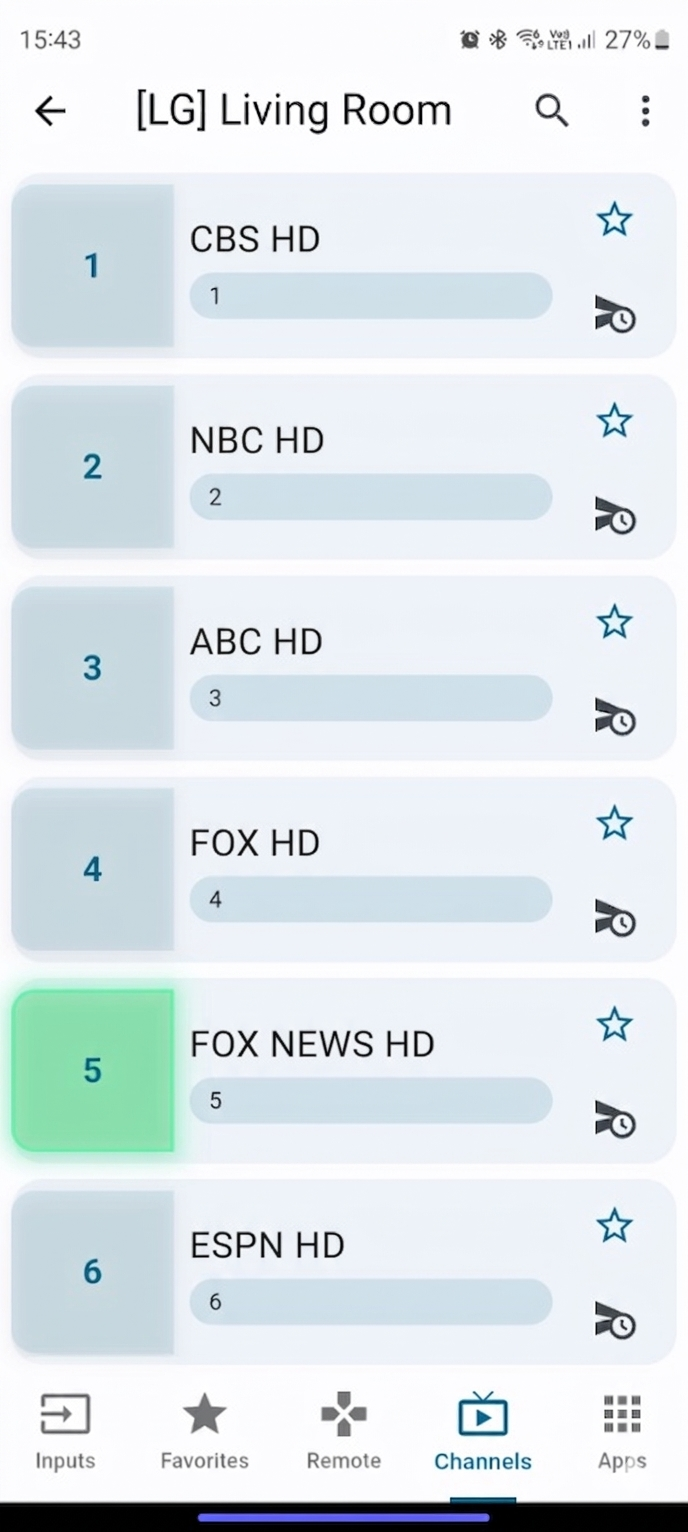
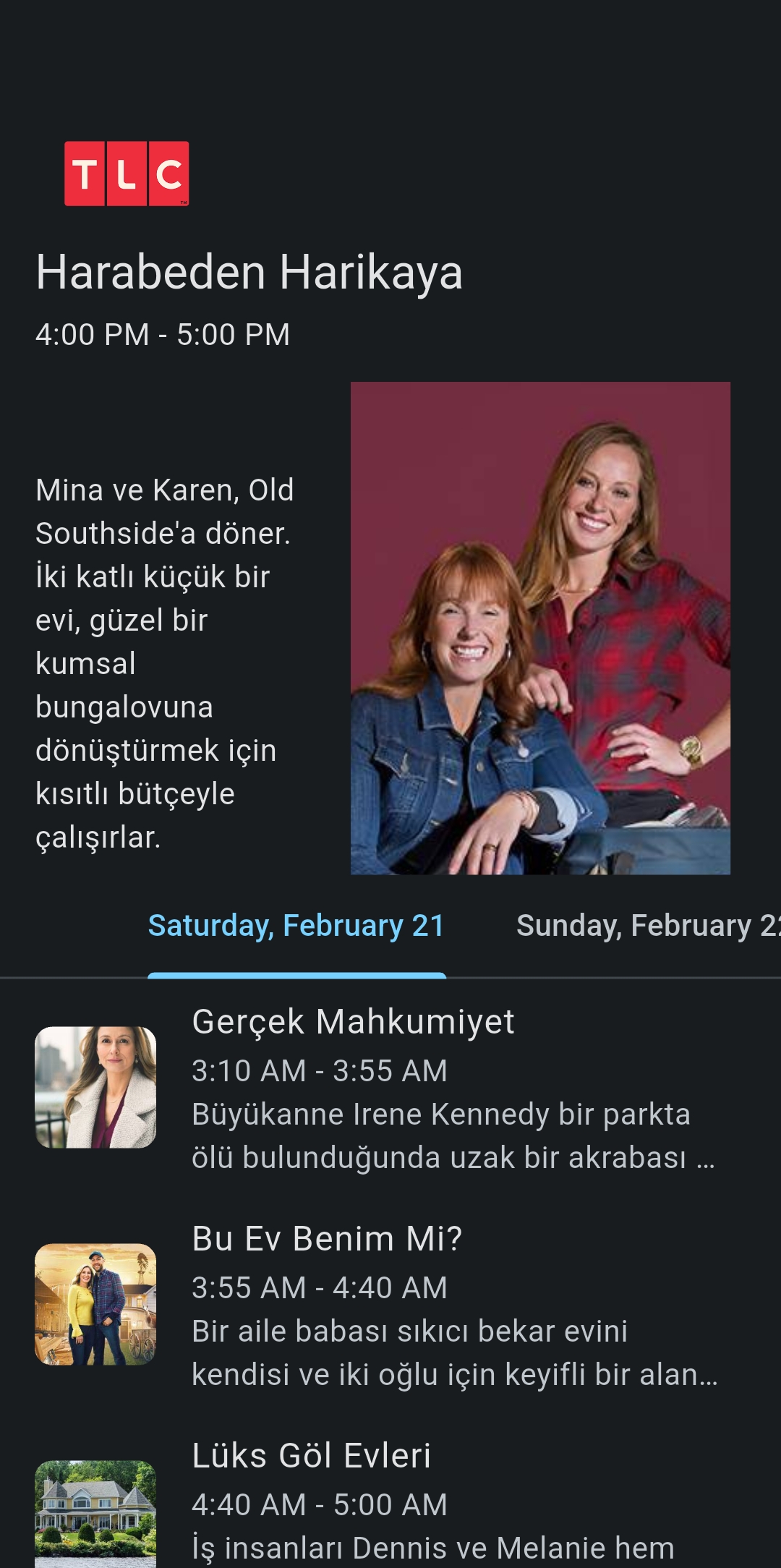
See all channels in a list. Set schedule or see What's Next.
Best of Both Worlds
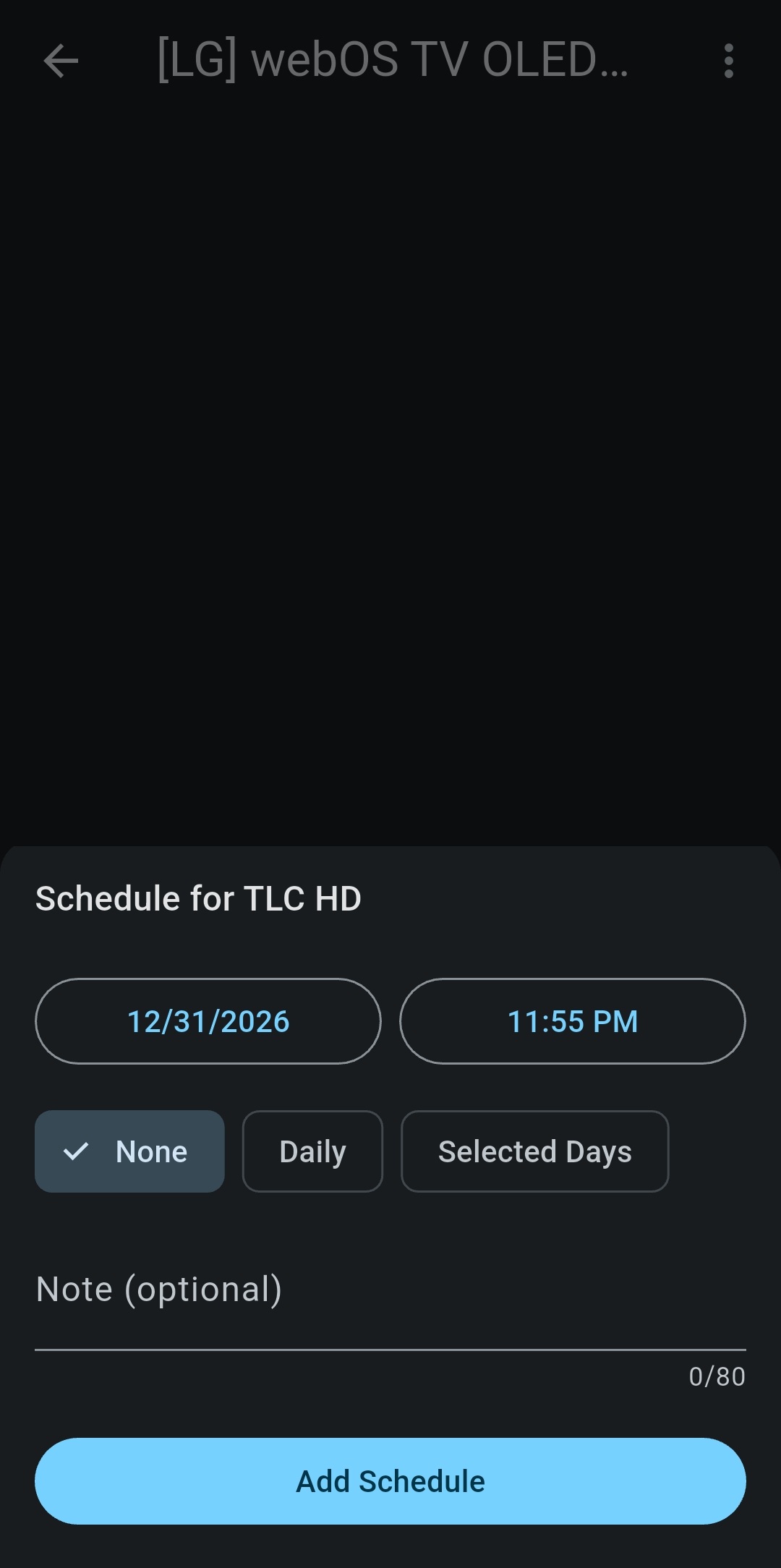
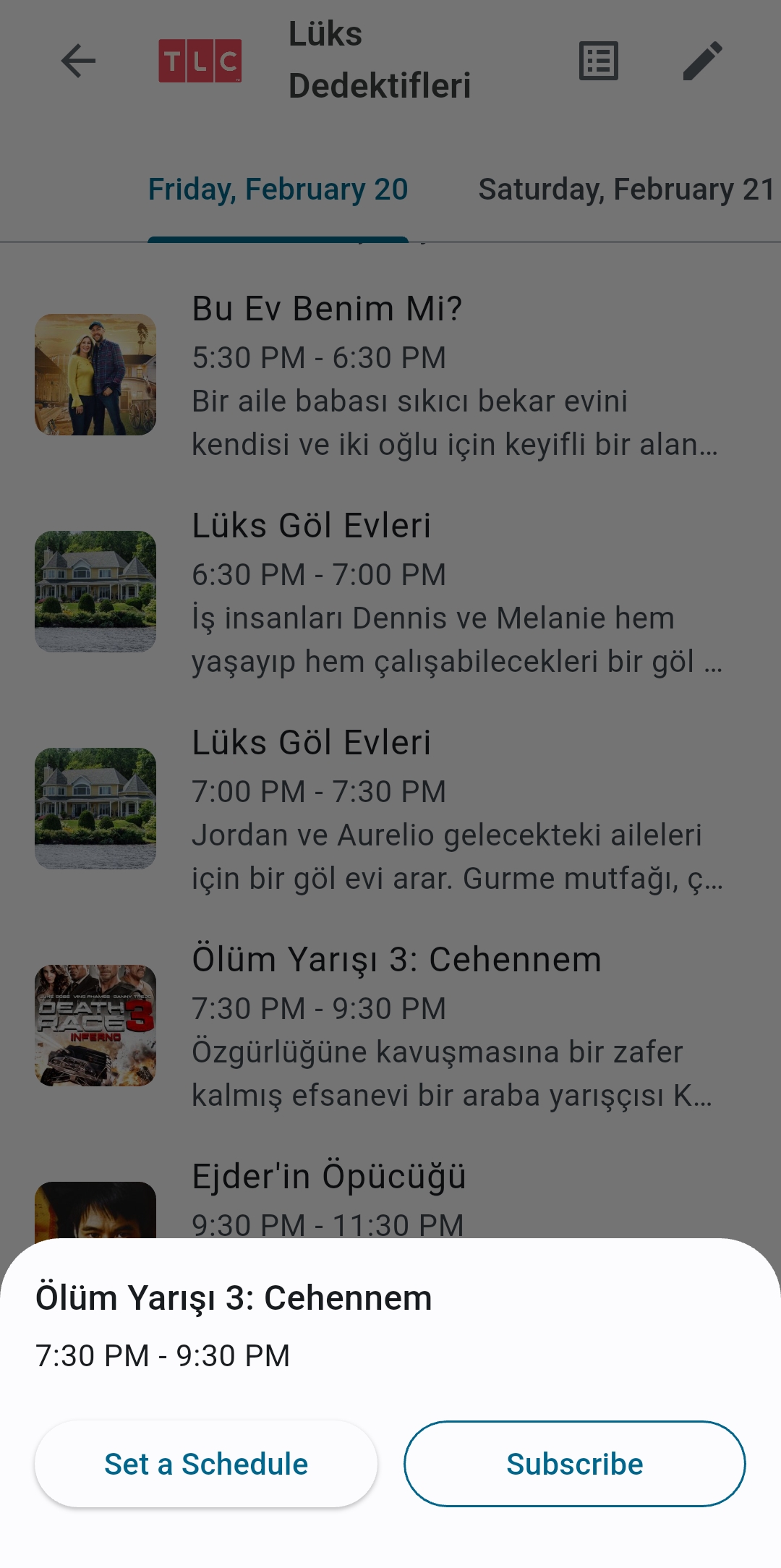
Try setting your morning programme or bedtime talkshows. You can even subscribe to your soap operas.
 Scheduler
Never miss your favourite show again.
 Live
TV Guide
Live
TV Guide
See what is next and set schedule for it.
What Is Next, BTW?
Press on Channel Number on Channels list to see TV Guide.
Touch on the programme in the list. Let app do it all for you by using "Subscribe" button.
Add your favourite channels to your favourites list.
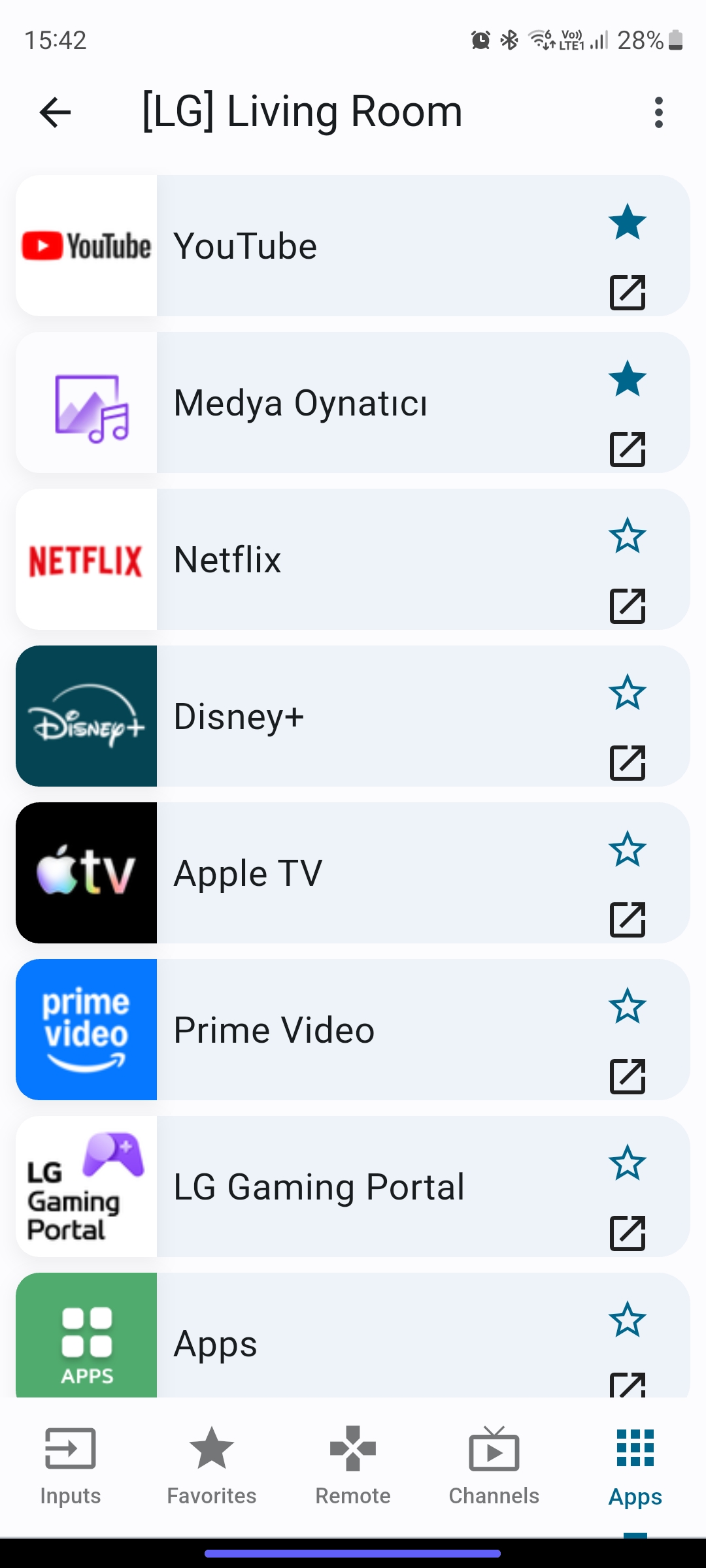
Launch your favourite apps with a single tap.
My Fav Is...
Add your favourite apps to your favourites list. I mean, who doesn't love Youtube, and doze off?.